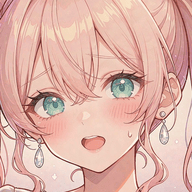
Build your anime identity
Anime Character Creator — Build Your Own Anime Character
Mix real anime hairstyles, colors, accessories, auras and scene lighting. Save your character, download a crisp PNG, or share it anywhere.
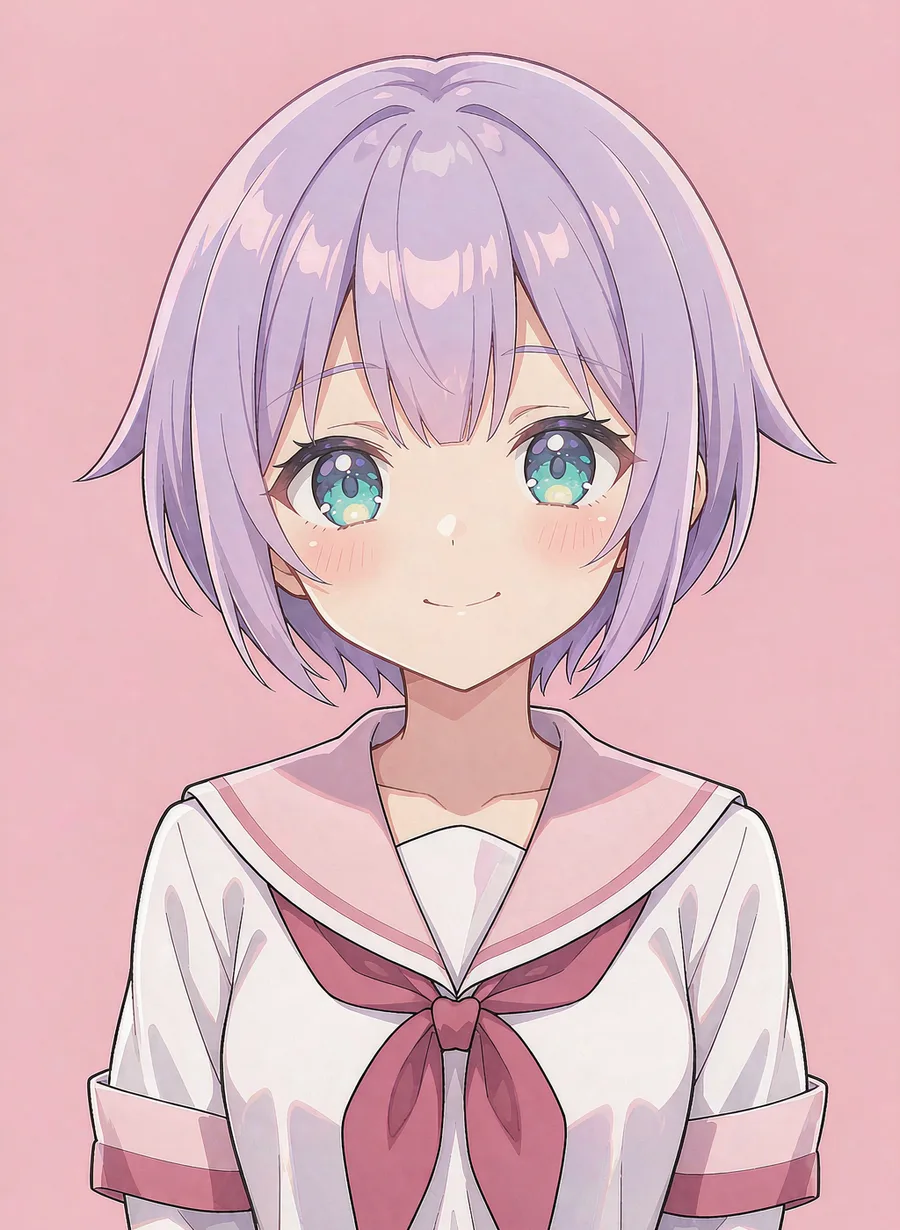
Your anime identity
Sakura soft bob · blush scene
Dere inspiration
Start from a type you love
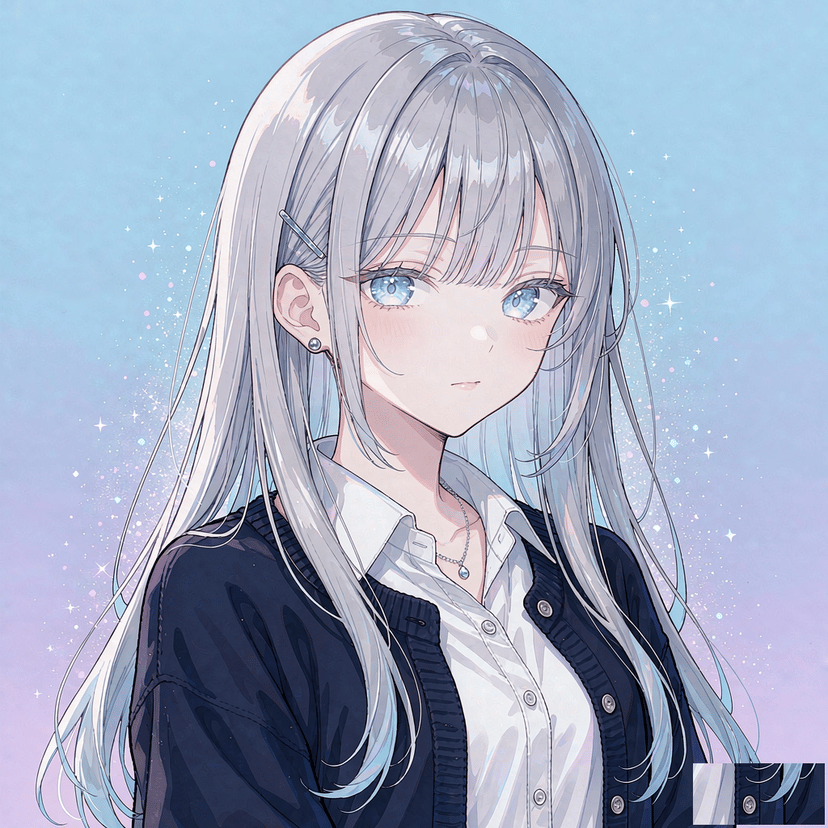
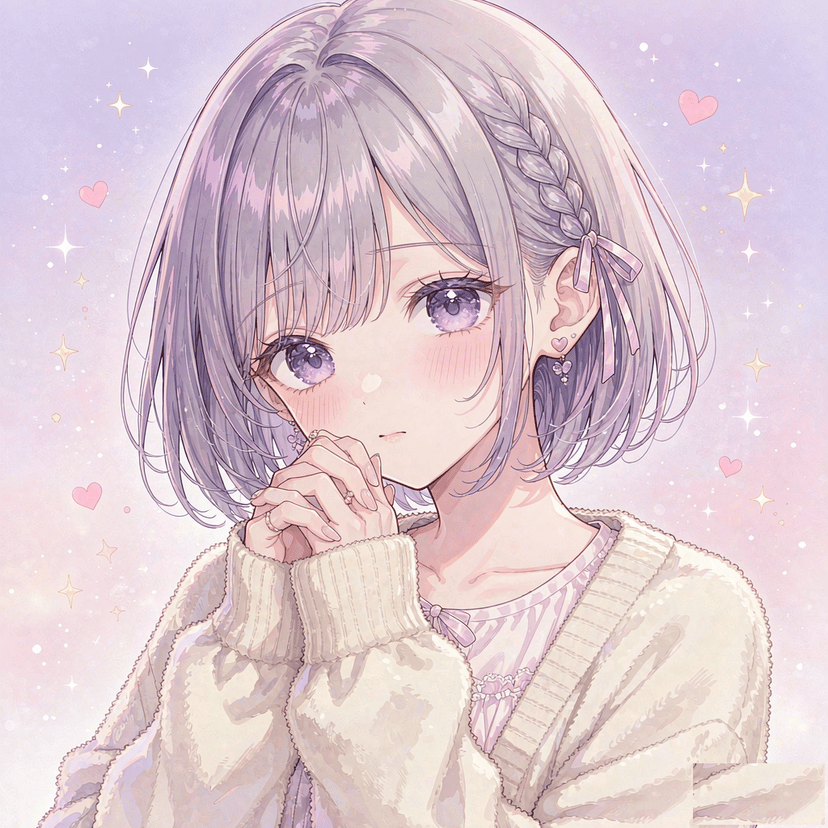
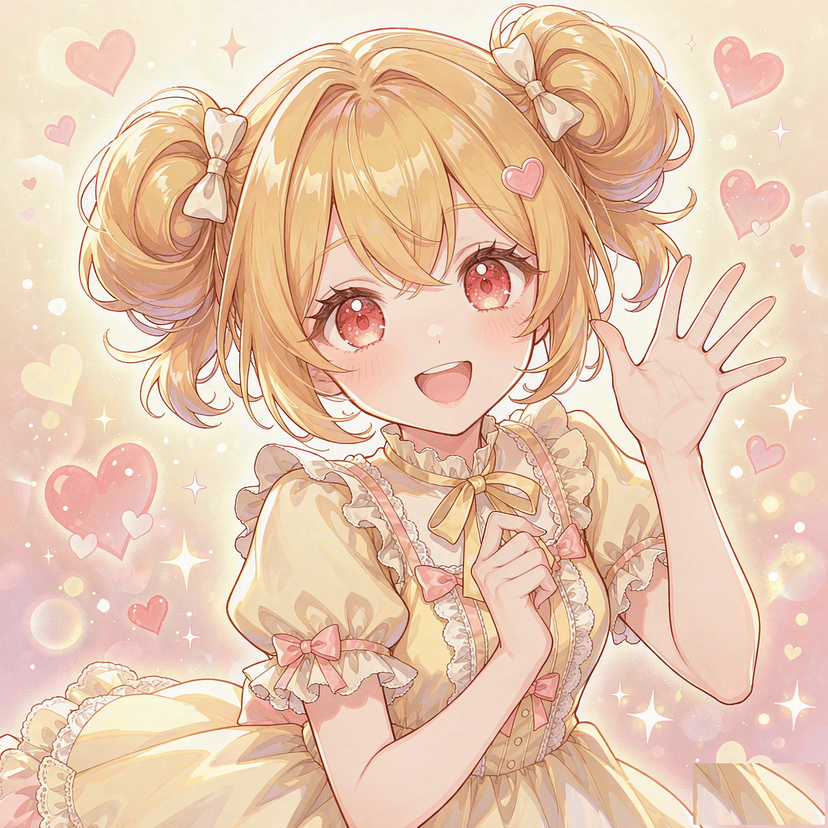
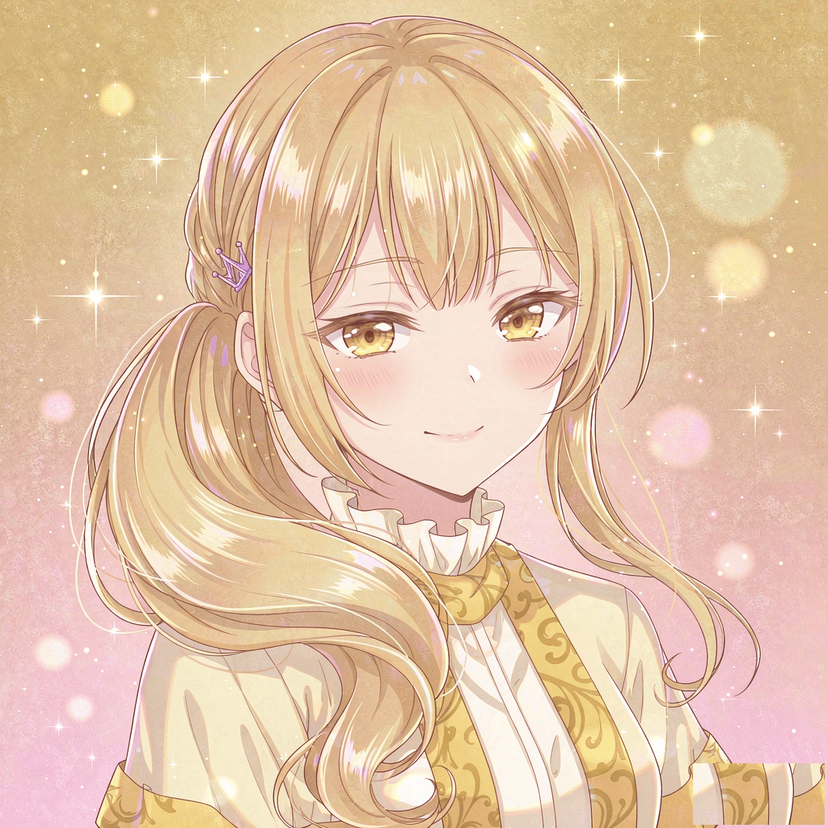
These original archetype portraits pair beautifully with the character you just built.
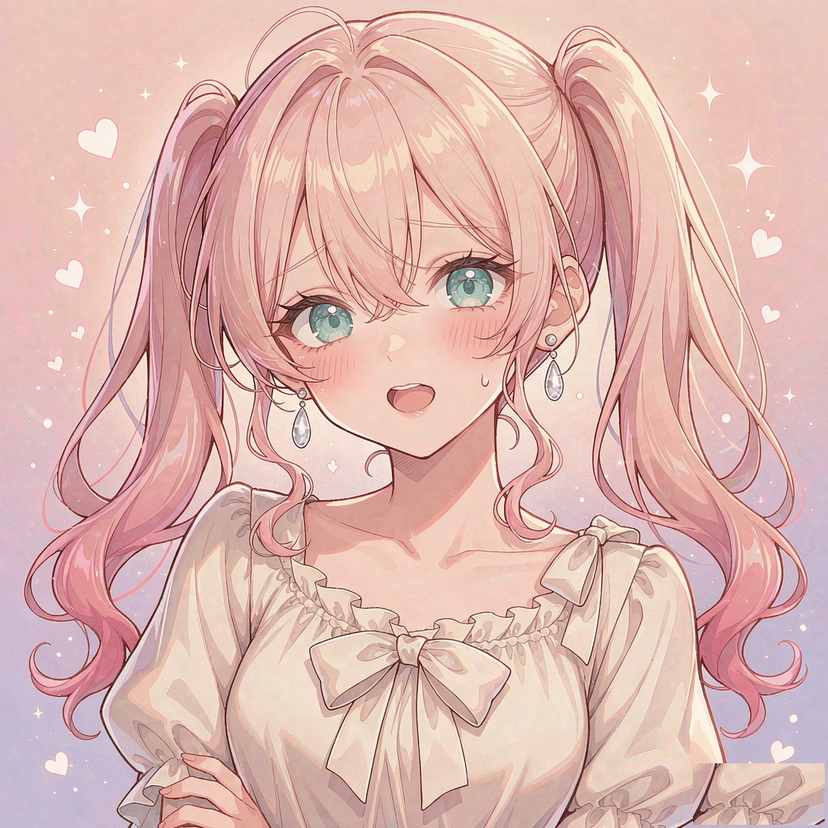
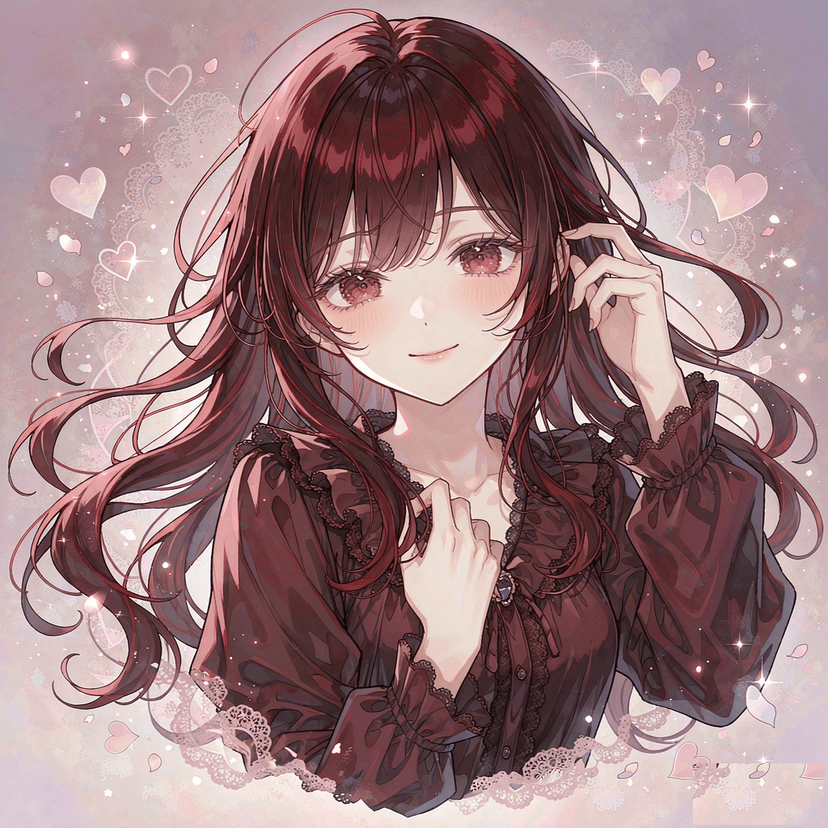
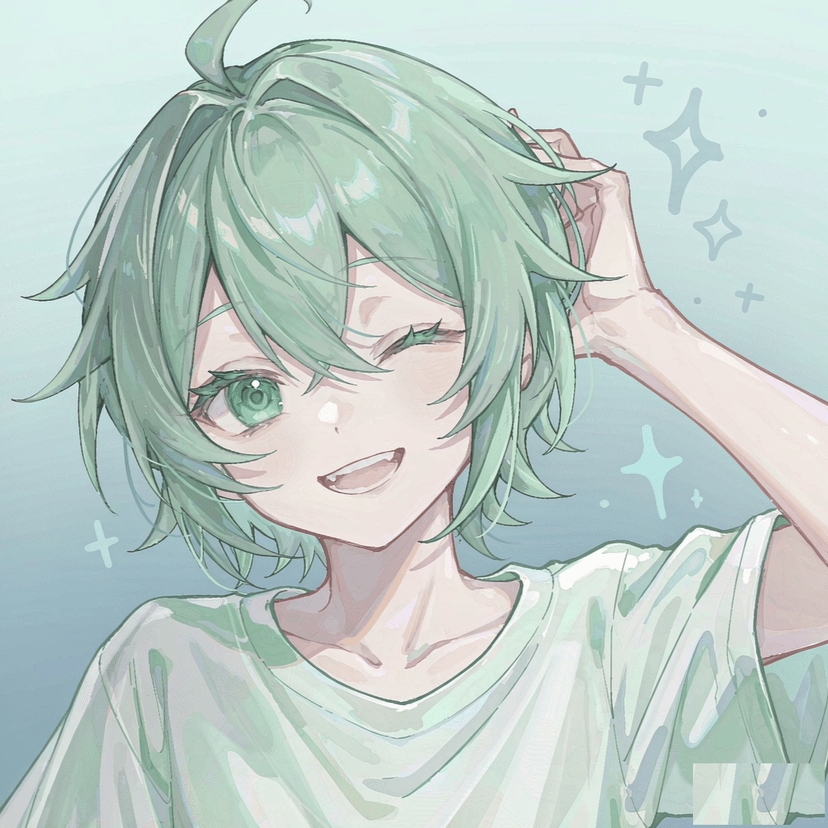
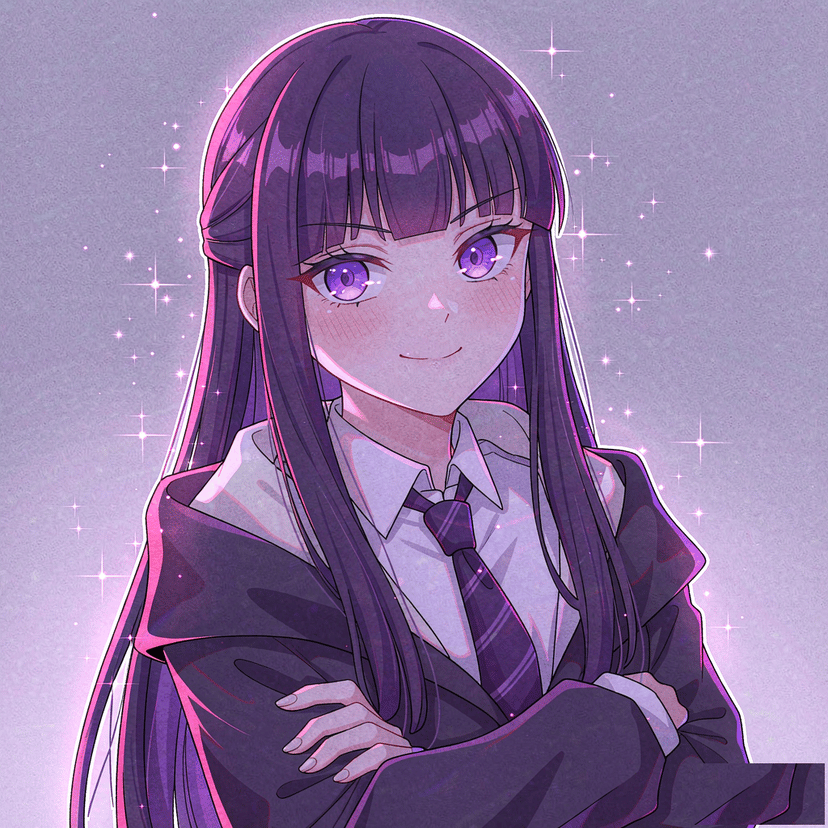
How the character creator works
The Studio starts from one protagonist with six real hairstyles — soft bob, twin tails, long straight, side ponytail, wavy layers and short crop — each drawn as full artwork with its own expression and outfit. Every hairstyle is available in eight hair colors, and the color is applied to the actual artwork, not painted over it: the shading, highlights and blush survive the recolor intact.
On top of the base character you layer accessories (star clip, ribbon, glasses, cat ears, flower, crown and star pin), scene lighting that regrades the whole image, and an aura effect that concentrates around the edges of the frame so it never covers the character. The option thumbnails show exactly what each choice does before you commit — what you see in the grid is what you get on the canvas.
The layout adapts to your result, too. Arriving from the quiz preselects a hair color, scene and accessories matched to your Primary type; arriving fresh gives you a clean slate. Either way, everything stays editable and everything is reversible.
Saving, exporting and sharing
Your configuration saves locally and restores automatically on your next visit — there is no account and no cloud copy, which means your character exists only on your device unless you choose to share it. The save carries the full layer stack, so a favorite combination is one refresh away.
Export produces a crisp 4:5 PNG rendered in your browser: the artwork, the scene grade, the accessories and the aura composited exactly as the preview shows. The image is sized for feeds and messaging apps, and the download happens entirely on your device.
For sharing beyond a plain image, pair the character with the share cards from your quiz result — Identity, DNA or meme format — so the archetype and the design tell one story together.
Ideas to try in the Studio
Recolor first, layer second: pick the hair color that matches your Dere DNA's dominant vibe, then choose the hairstyle that fits the energy — twin tails for playful, long straight for composed, short crop for chaotic-good Bakadere energy. Accessories read best in odd numbers; one clip says "detail", three say "theme".
Scene lighting changes the whole mood more than any accessory: blush tones flatter warm palettes, daylight flattens and clarifies, and the night grade turns pastel hair moody. Auras work like confetti — a little at the edges is celebratory, a lot is noise, and "None" is a legitimate choice that photographs beautifully.
If you are stuck, hit Randomize. The generator only produces valid combinations, so every roll is a usable starting point you can dial back toward.
The layer system, explained
The Studio is built on a strict rule: every option is a real layer, never a filter pretending to be one. The six hairstyles are complete artworks — different silhouettes, expressions and outfits baked in — so switching from soft bob to twin tails changes the character, not just the top of her head. The eight hair colors are applied algorithmically to the hair region of the artwork itself, which is why shading and highlights survive the recolor.
Accessories are cut-out stickers positioned to sit correctly on the head and collar: glasses land on the eyes, cat ears ride the hairline, the crown sits where a crown belongs. Scene lighting is a color grade over the whole image — it regrades the character and the painted backdrop together so the result looks shot in one environment. Auras are edge-weighted effects that fade before they reach the face.
The practical upshot: any combination you can build is a combination that looks coherent, because each layer was designed against the same base artwork. There are no accidental clashes — only taste.
Designing from your archetype
The most satisfying Studio runs start with a type, not a color. Read your Primary profile and pick the two words that define it — for a Tsundere, "sharp" and "hidden"; for a Deredere, "bright" and "open". Then let the wardrobe of the Studio answer those words: sharp reads well in midnight or cocoa hair with the star clip; bright reads well in honey or sakura with the ribbon or flower.
Contrast is a tool, not a mistake. A Bakadere palette on the long-straight hairstyle makes the character read as secretly-chaotic; a midnight recolor on twin tails turns playful energy composed. The Studio supports these hybrids because the layers are independent — you are not choosing from fixed character presets, you are composing one.
Whatever you build, export it before you overthink. The PNG is rendered exactly from the live preview, characters read better at feed size than at full-screen scrutiny, and a finished card you can post beats a perfect configuration nobody ever sees.
Frequently asked questions
Keep exploring
Further reading
Independent references outside derepop, if you want to dig deeper into the archetypes.
- WebP image format(Wikipedia) — why the artwork in the Studio loads fast on mobile connections.
- Scalable Vector Graphics (SVG)(Wikipedia) — the format behind the crisp icons and UI details in the interface.